Getting Started with Elements
Anyone who has experience with prompting knows how repetitive it can become. Elements eliminates this frustration by streamlining your workflow.
To get started, click Elements in the menu. From here, you can view your existing Elements, create new ones, and browse a library of shared Elements contributed by other users.
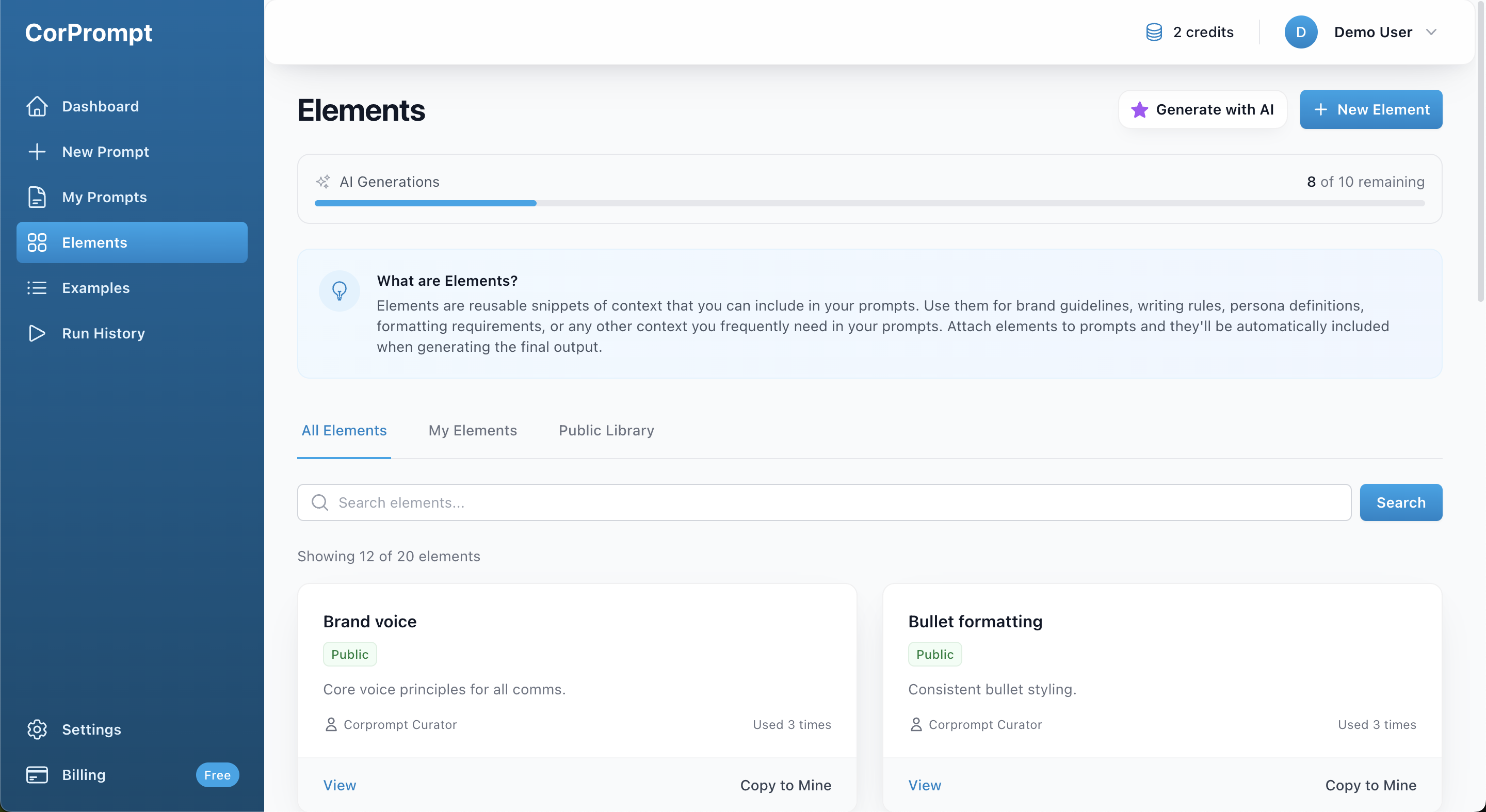
Elements Library
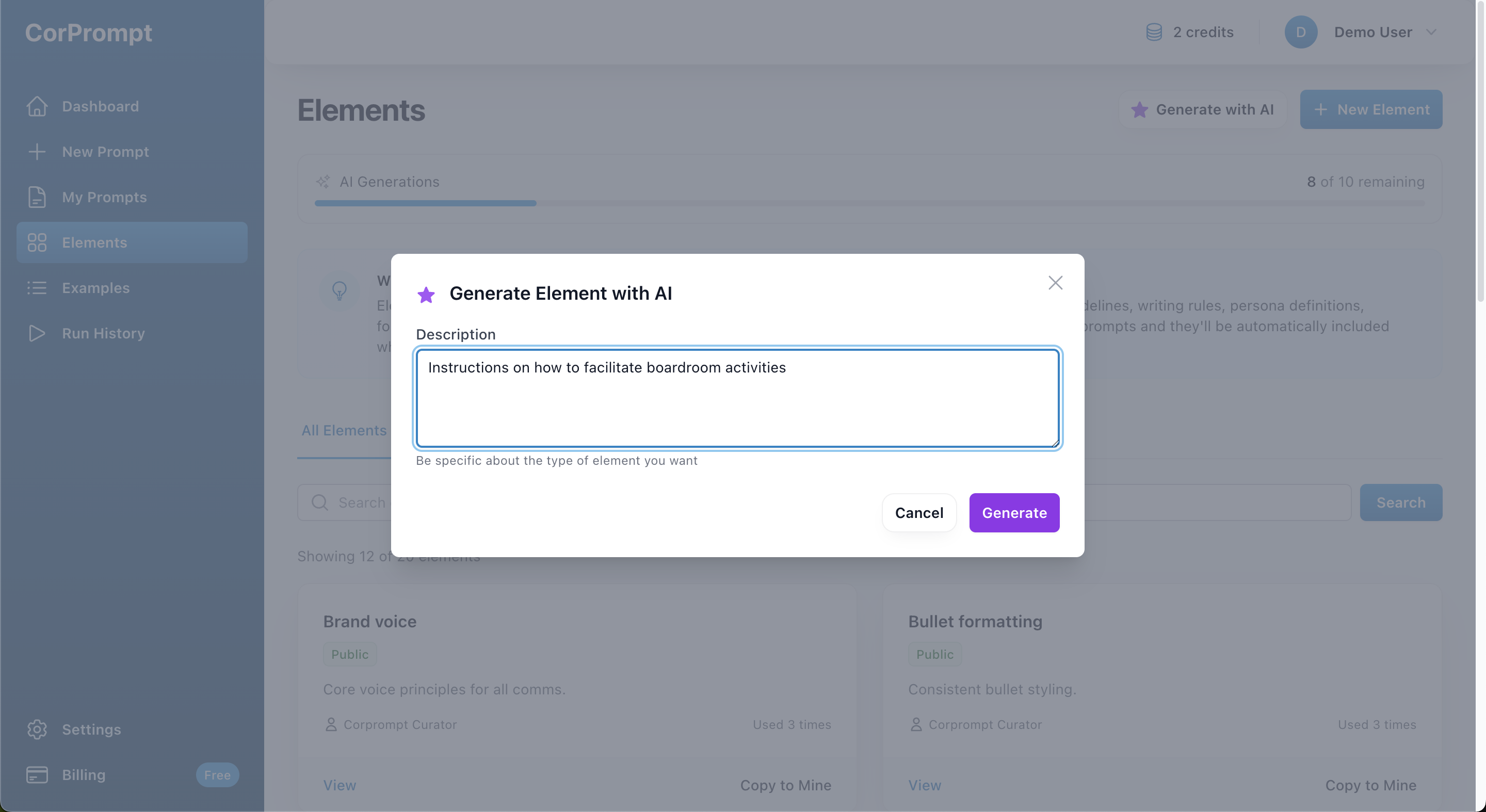
Entry Form to Generated Element with AI
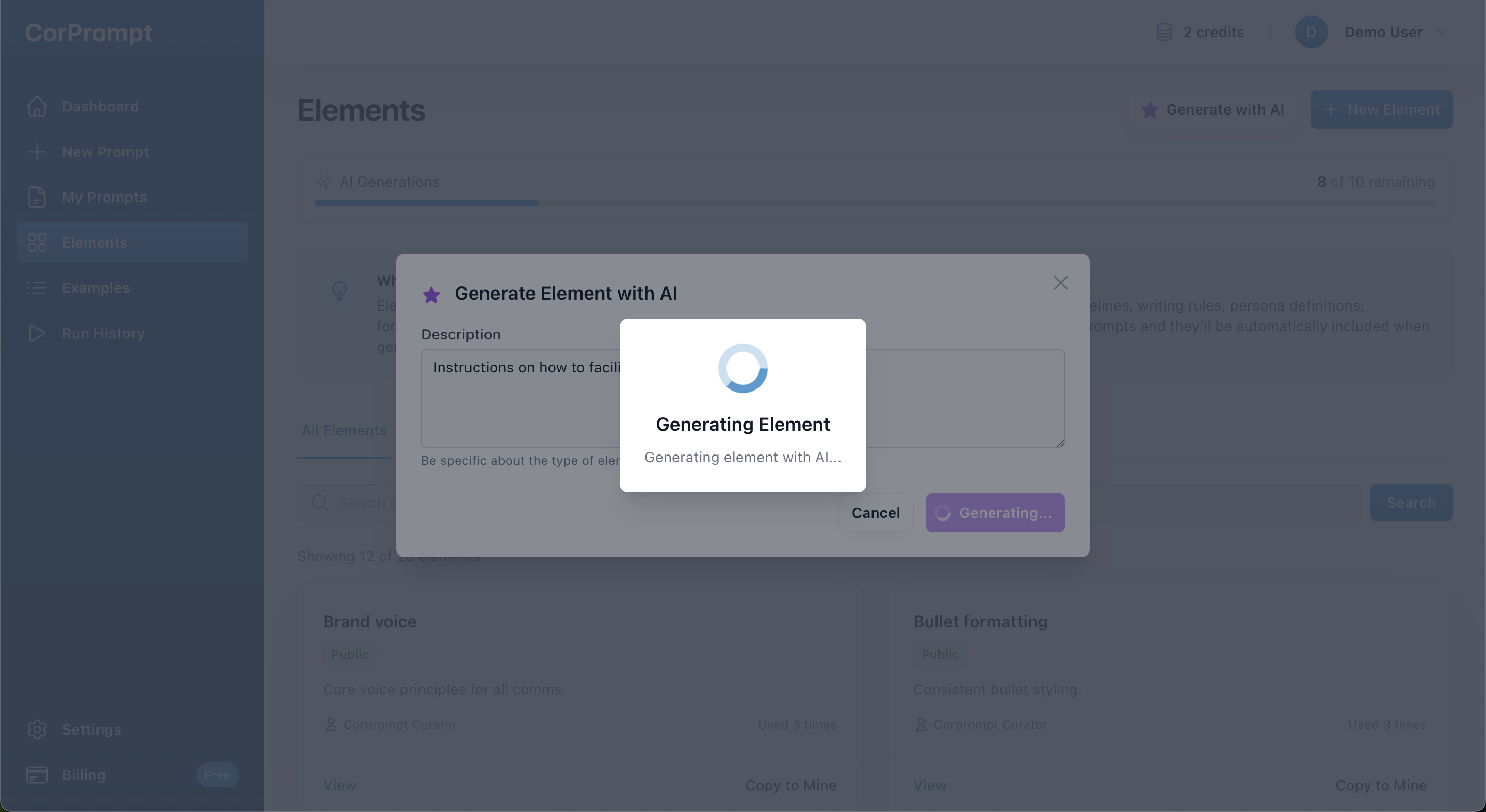
Generate Elements with AI
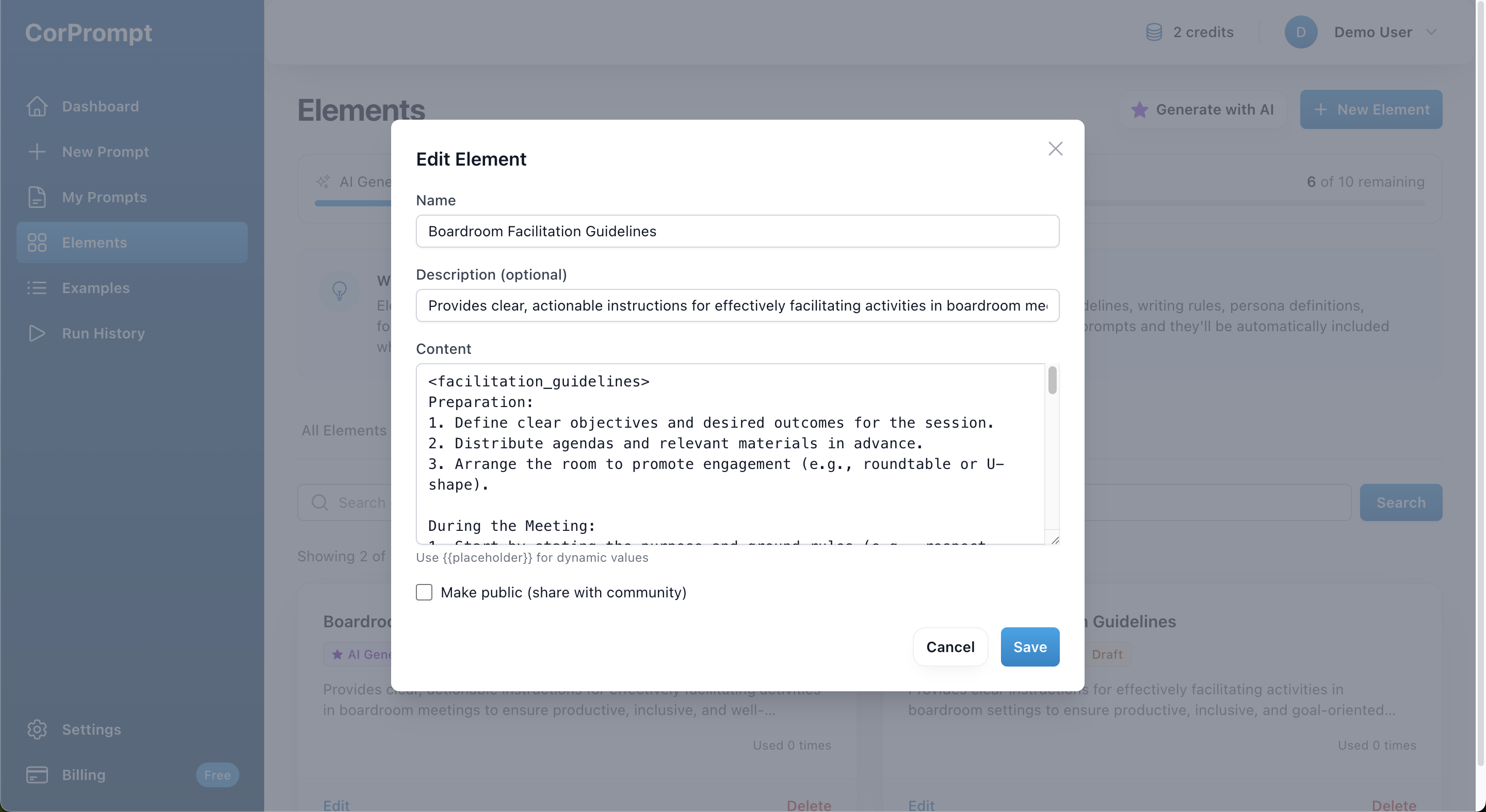
Generated Element Preview
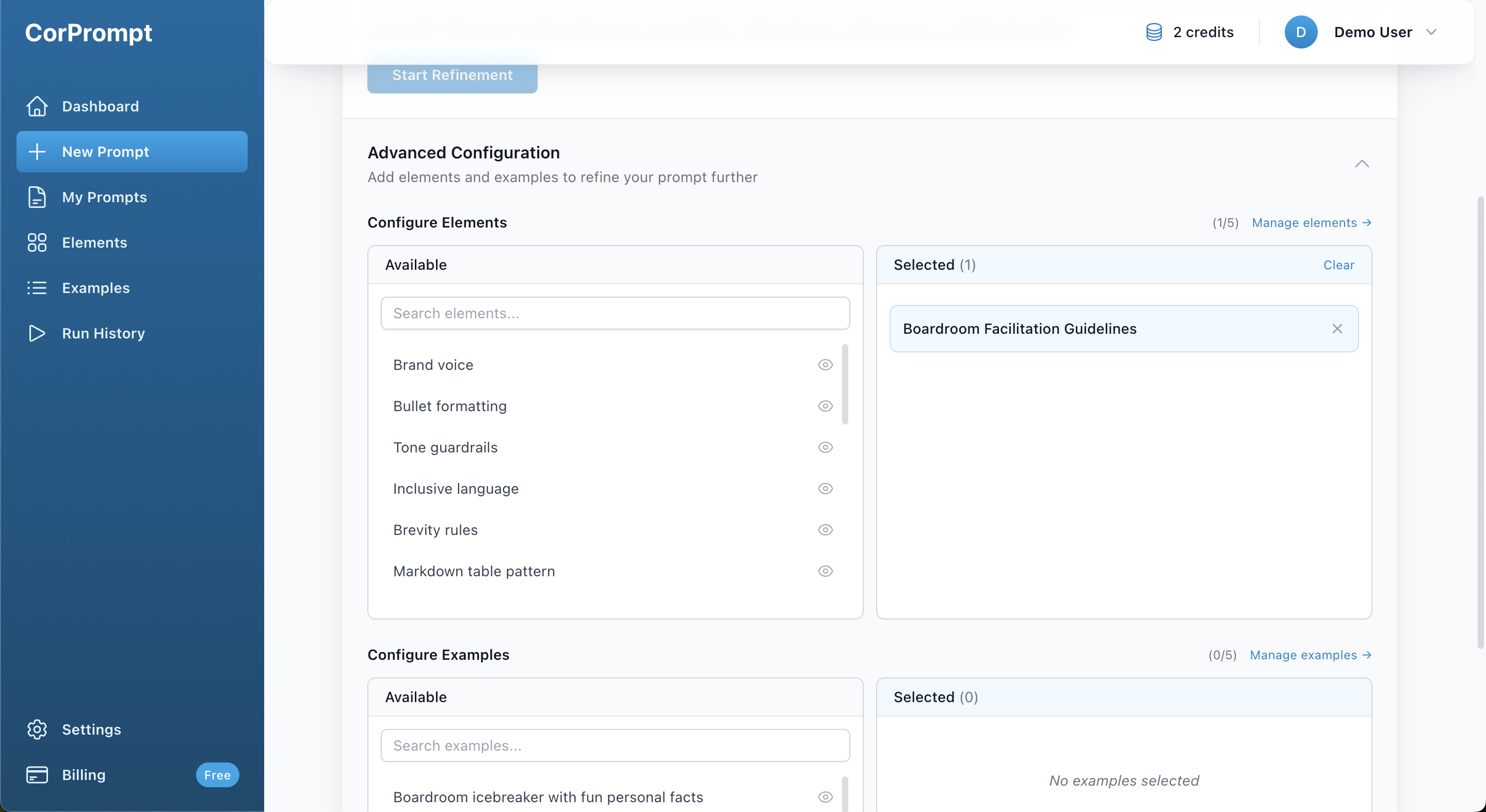
Advanced Configuration
You've completed this tutorial!
Ready to put what you've learned into practice?
Related Tutorials
Viewing and Managing Your Prompts
We offer a comprehensive suite of tools to help you manage, organize, and test your prompts.
Using Folders
Organize your prompts by storing them in folders.
Sharing Your Prompts
Want to share your prompt with others? You can do so securely using our Shared Links feature.